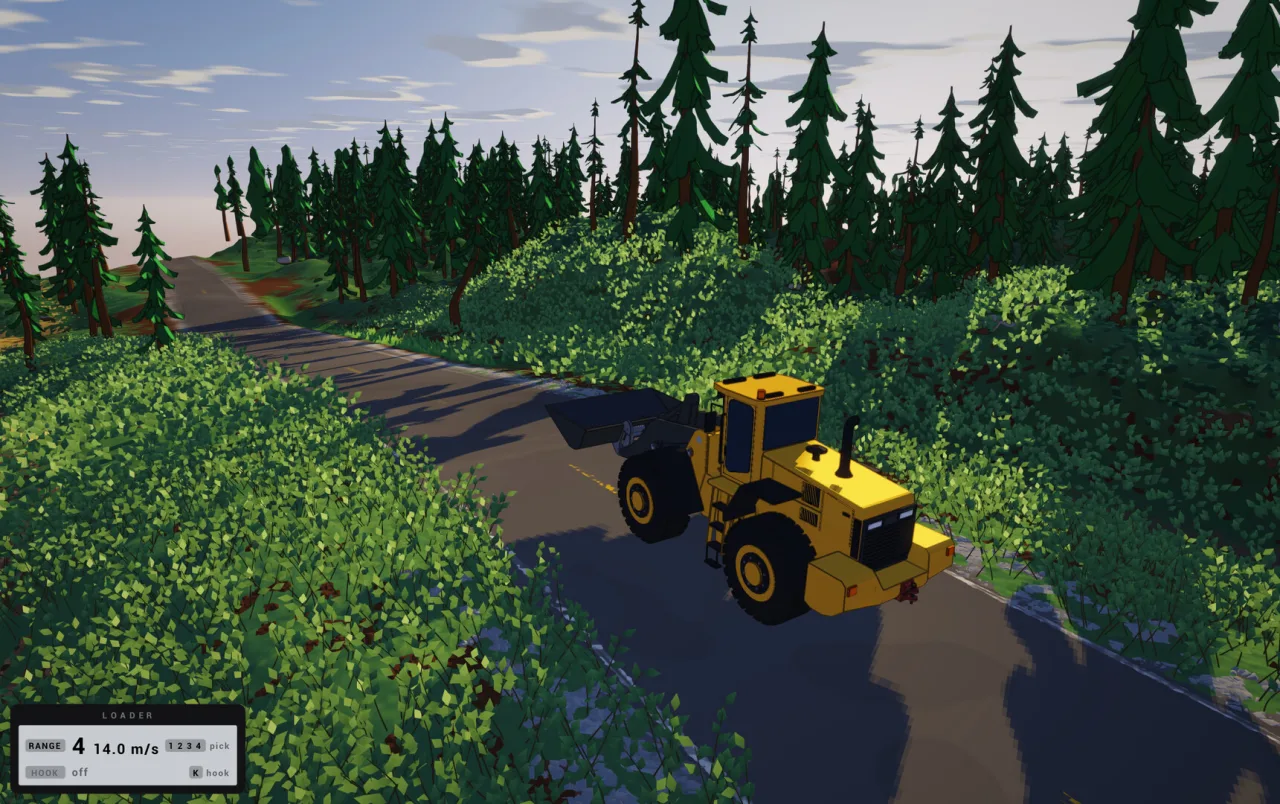
One connected simulation
The store’s central claim is that the entire work site participates in one simulation rather than isolated digging patches. The confirmed elements are:
| System | Official description |
|---|---|
| Excavation and placement | Plow, dig and stack material anywhere on the map |
| Materials | Different materials can be layered; sand and clay behave differently |
| Destruction | “Everything is destructible, some are just very hard” |
| Moisture | Changes grip and dirt movement |
| Water | Flows through the simulation |
| Rain | Creates creeks and puddles |
| Rocks and trees | Interact with dirt and vehicles |
| Persistence | What you do stays in your save |
“Everything is destructible” should not be shortened to “everything is easy to break.” The same sentence explicitly says some things are very hard. Likewise, no published numbers justify exact material-strength or traction claims.
Why this matters for roads and hauling
A road in Dirt Town is made from the same simulated material as the rest of the map. Your choice of material, its moisture, the obstacles around it and the shape you cut all belong to the driving problem. The road-building guide connects these systems to the Dozer, gravel, ditches and loaded-road test.
The official description does not promise unlimited excavation depth or a fixed performance cost for a particular amount of terraforming. Early Access performance is still being optimised, so avoid invented benchmarks about save size or simulation limits.
What persistence does — and does not — answer
The phrase “Everything you do, stays forever (in your save)” is strong evidence that terrain edits are saved. It is not a complete save-system manual.
Still unconfirmed:
- whether the demo save imports into the Early Access app;
- whether a multiplayer world belongs to the host or the group;
- whether another player can open that world later;
- how Steam Cloud handles conflicts or Windows–Mac synchronisation;
- an official file path, manual-backup method, multiple-slot system or full map reset.
Those unknowns belong in the buying and co-op decision. Do not copy an unconfirmed forum folder into a production backup guide, and do not delete your only save to test transfer.
Demo and main app are separate
The demo is app 5471710, while Early Access is app 5275590. Both describe persistent changes in their own save, but only the main app lists Steam Cloud in the checked categories. This is why the demo guide and co-op guide treat transfer and shared-world ownership as open questions rather than assumed features.